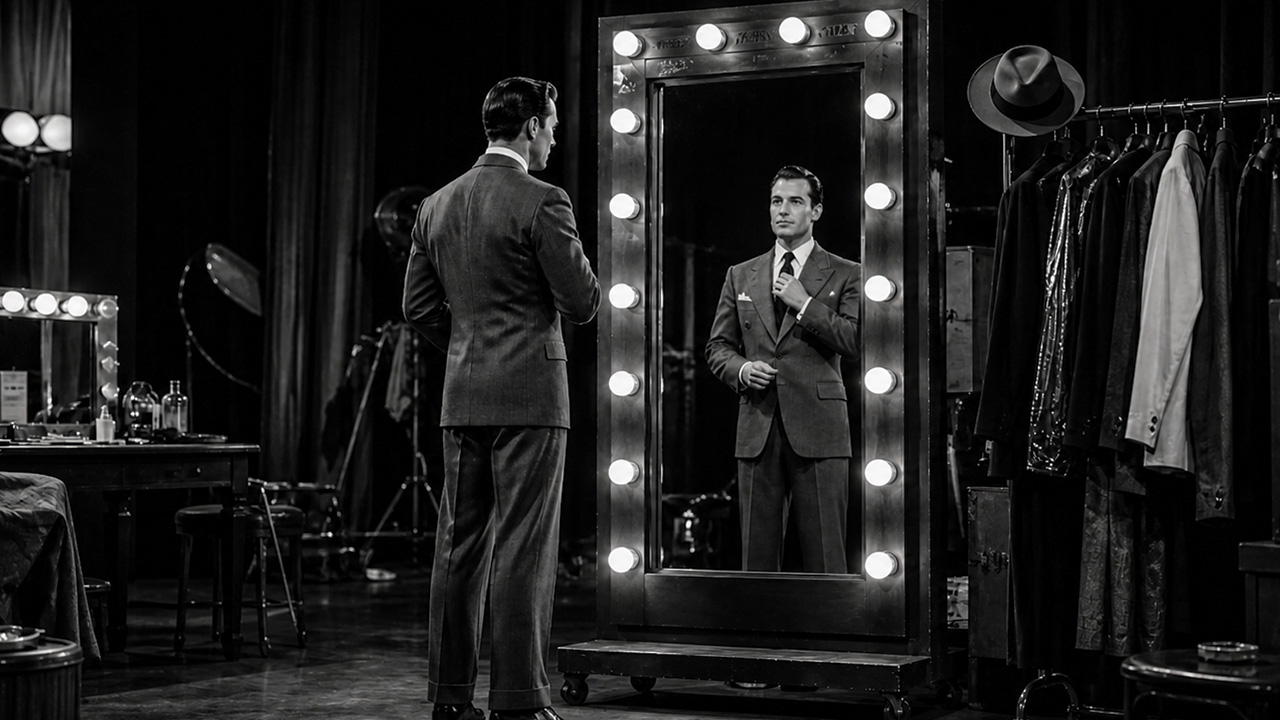
Why Wardrobe Matters More Than You Think
Clothing choices affect almost every technical element of a shot — color grading, contrast, focus, audio clarity, and viewer attention. A pattern that looks sharp in person can create a visual shimmer on screen called moiré. Bright white can blow out highlights and make the subject look washed out. Very dark fabrics can lose all detail in shadow.
Getting wardrobe right does not require a stylist. It just requires knowing a few practical rules before you open your closet.
Colors That Work
- Medium tones work best — navy, slate blue, forest green, warm grey, burgundy, olive, and charcoal are all strong choices
- Earth tones photograph exceptionally well on most cameras
- Soft pastels work if they are not too light
- Jewel tones — sapphire, emerald, deep teal — read beautifully on camera
- Bring two or three options and let the production team help you choose on set
Colors and Patterns to Avoid
- Bright white — it reflects light and can overexpose around the face
- Solid black — it can lose all texture and depth on camera
- Fine stripes, herringbone, and small checks — these can cause moiré shimmer on camera
- Busy florals and complex prints — they draw attention away from the speaker
- Neon and overly saturated colors — they can bleed color into skin tones during grading
- Clothing with large logos or busy text — unless it is branded content where that is the intent
Fabric and Fit
- Choose clothing that fits well — baggy fabric bunches and creates unflattering shapes on camera
- Avoid fabrics that wrinkle easily — wrinkles are amplified on screen
- Avoid shiny or reflective fabrics — they create unpredictable highlights under production lighting
- Avoid fabrics that make noise when you move — this is a direct audio problem
- Wear clean, pressed clothing — what looks fine on a quick check reads differently under production lights
Accessories and Finishing
- Remove large, dangly, or noisy earrings — they catch light and can create audio interference
- Avoid reflective or mirrored jewelry near the face
- Bring a lint roller and use it before going on camera
- Wear a lapel-friendly top if a lavalier microphone is being used — button-down shirts and crew-neck tops work well
- Avoid turtlenecks if a lavalier is being used — they make mic placement very difficult
- Keep glasses in mind: some frames can cause reflections under lights — let the crew adjust lighting accordingly
Bring a Backup
Always bring at least two complete outfit options to the shoot. The lighting setup, background choice, and your co-subjects' clothing all affect which option will look best on camera. Having a backup takes three minutes of planning and can save the entire look of a shot.